Boost Your Productivity with Microsoft 365
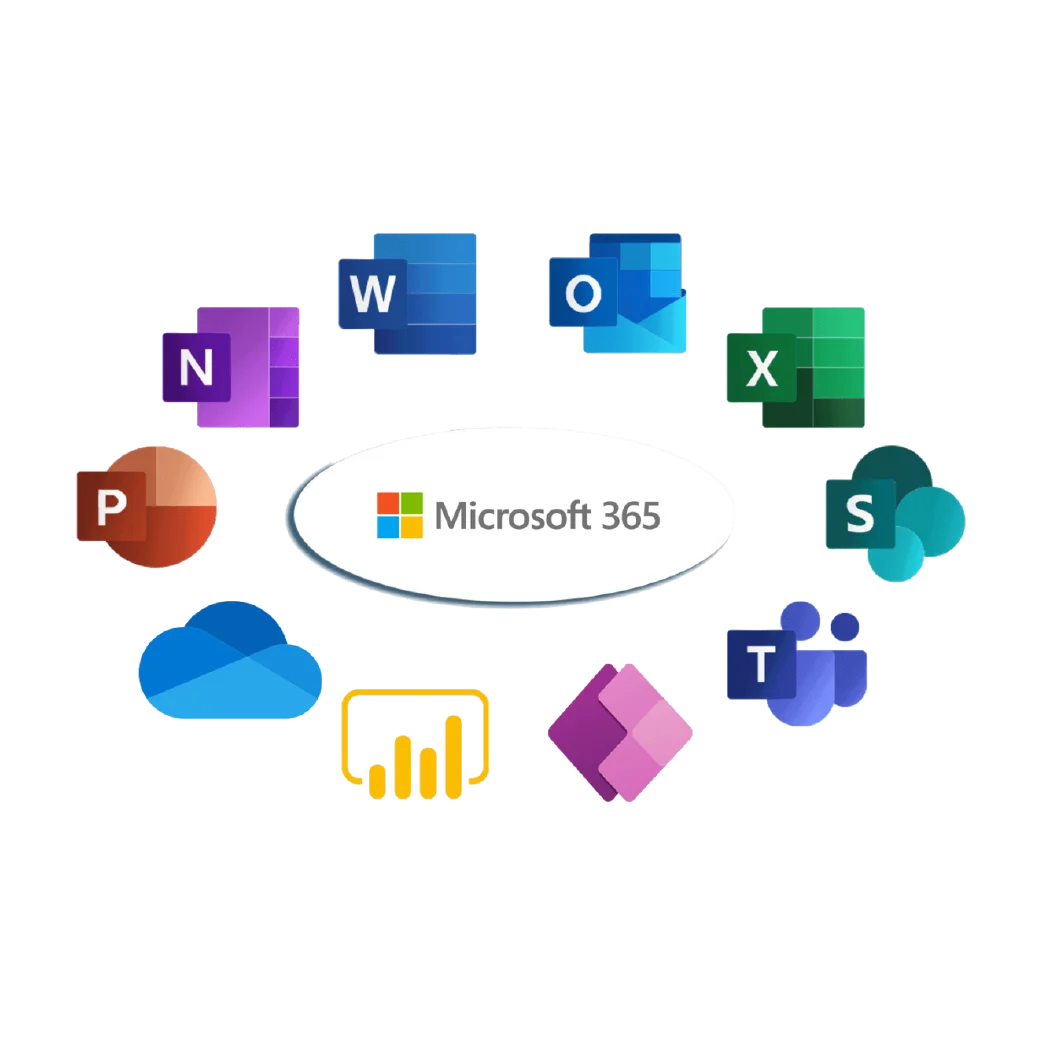

Why Microsoft 365 is Essential for Productivity

Easy Collaboration Work together in real time using Word, Excel, PowerPoint, and Teams. Teams can edit files at the same time without sending multiple versions back and forth.

Task Automation Reduce repetitive work with simple automation tools and smart features. This helps save time and allows employees to focus on more important tasks.

Data Security Keep files, emails, and information safe with built-in security features. Microsoft 365 helps protect business data from unauthorized access and threats.

Connected Apps Use Outlook, OneDrive, Teams, and SharePoint in one connected system. Having everything connected makes daily work faster and more organized.

Access Anywhere Open files and work from any device with cloud access. Employees can stay productive whether they are in the office, at home, or traveling.

Better Communication Chat, meet, and share files easily with your team through Microsoft Teams. Clear communication helps teams work together more effectively and avoid delays.
Key Features



Industries That Benefit from Microsoft 365
- Finance & Banking: Secure document management and real-time reporting.
- Education: Streamlined collaboration for teachers, students, and administrators.
- Healthcare: Protect sensitive patient data while enabling remote collaboration.
- Manufacturing & Supply Chain: Improve workflow efficiency and internal communications.
- Retail & E-commerce: Centralized data management and enhanced customer communication.
- Professional Services: Project tracking, client management, and seamless teamwork.
Why Choose Microsoft 365 with Mustard Seed Systems?
- 26+ Years of Experience – Mustard Seed Systems has been providing IT solutions to businesses in the Philippines for over 26+ years.
- Multi-Branch Support – We ensure Microsoft 365 works smoothly across different office locations.
- Custom Business Solutions – Microsoft 365 tools are tailored to fit your team’s workflow and needs.
- Ongoing Support & Training – We provide continuous help and training for better use of Microsoft 365.
- Secure & Compliant – We help keep your business data safe and aligned with Microsoft security standards.

Send us a Message
For more information or inquiry about our products and services, kindly fill out the form below.